

A test specification that is also the program that writes it.
DEDALO writes end-of-line test specifications for electronic devices as one self-contained HTML file: the file is the application and the document at the same time.
Whoever receives it opens it with a double click — nothing to install, no network — reads it, navigates it, edits it and prints it to PDF.
A three-and-a-half-minute tour of the editor.
The UI, the header, a global variable, a setup stage, a stage with a step and an acceptance criterion bound to the variable, duplicating a step, a product variant switched live on the printed document, validate and save.
No install, no account, no server.
Save — the 💾 in the command bar — rebuilds the whole file with the current data and downloads it. The downloaded file replaces the original one and can itself be opened and edited. Nothing else is needed at either end of the exchange.
On save only those three blocks are replaced: the file is kept in memory exactly as it was opened, and the whole interface is built at runtime.
A file that is the last issued revision word for word — the file as it is handed out — opens straight in reading mode, where nothing leads into the editor. Esc brings the editor back.
Unsaved work is copied into the browser's own storage every few seconds and offered back after a crash or a window closed by mistake. The file on disk changes when you download it and not before, and the status bar says which of the two you are looking at.
Ctrl+S saves, Ctrl+Z / Ctrl+Y undo and redo.
Stages, steps, points, criteria — each addressed by its code.
The steps refer to the catalogues through a code, and every reference carries both the code and the name of what it points at.
The values shown from here on are taken from the example specification — an invented product, described in full further down.
In the printed document the steps stay short and refer to the appendices through their codes. On screen, resting the pointer on a code previews its card; a click opens it at the side without losing your place, or opens the entity in the editor.
Only the number of the point is drawn, so the markers stay small; the full name is one hover or one click away. Unless the point is a test point: when its connector names one, the marker shows that name instead, so the drawing speaks the language printed on the board. Every marker also defines the area of the picture worth showing: opening a point gives the crop first.
Numeric limits use the complete TestStand comparison set, named as TestStand names them — the types that pass outside their limits included, and NONE, which records a value and judges nothing. A limit may read a global variable instead of a number; a nominal without a tolerance is an error, not a bare number.
| PP RESISTOR APPLY · RES-13 [Ω] |
CABLE CAPABILITY GET · CMD-05 [A] |
EFFECTIVE LIMIT GET · CMD-06 [A] |
|---|---|---|
| 1500 | 13 | 13 |
| 680 | 20 | 20 |
| 220 | 32 | $MaxCurrent |
When the same reading is taken for a list of combinations, the step is one table: the columns say what is applied and what is read, with which instrument or command and in which unit; the rows say the combinations, one criterion per cell, typed as the specification writes it. It prints as one table, on the sheet and in the Word file.
One base document. Variants as an overlay — nothing is duplicated.
A variant is a set of operations on the base document: anything can be added, changed or removed. The matrix covers the frequent cases; for everything else you pick the variant in the top bar and edit the document — each change becomes a customisation of that variant, marked with an orange frame and undone with ↺.
Codes do not shift under a variant: a stage keeps the code it has in the base document, and a gap in the numbering is how the document says a stage is not run here.
You work on a draft. Validate freezes an immutable snapshot — number, date, author, reason, status — and moves the draft to the next number. The history stays inside the file, compressed, and feeds the change record and the comparison between two versions, which produces the differences grouped by chapter.
The last appendix of the printed document: one column per revision that changed something, one row per thing changed, each cell saying what that revision did to it — added, changed from what to what, removed, moved — coloured by kind. A long text is counted rather than quoted.
Two revisions consolidate into one: the chosen revision leaves the record and what it changed belongs to the revision that follows. The model is single editor — whoever edits issues the revision and redistributes the file; opening a file with fewer issued revisions warns.
A legacy specification, converted with a language model.
Old specifications usually exist as PDFs. IMPORT-GUIDE.md is written to be handed to a model together with the source document: it explains the model of a specification, gives the exact JSON format and the rules for reading a legacy text — what becomes a stimulus and what a measurement, when a repeated block is a setup stage, when a value deserves a variable, and above all not to invent what the source does not say.
The model returns one spec.json; Import data… loads it and lists whatever it could not resolve. The same guide doubles as the conceptual documentation of DEDALO, and the import also accepts a previous Export data file, so the JSON is a round-trip format.
What the conversion has to say beside the document does not go into the document: it comes in as notes in the margin, with their file offered from the report. Pictures cannot travel in the JSON — upload them afterwards and place the markers.
Same document, same density, on paper and in Word.
Heading styles, so the navigation pane works and the table of contents fills itself in with Ctrl+A, F9; tables with repeating header rows; A4 page setup; a running header with company and product and a footer with document code, revision, confidentiality and «Page X of Y».
A .docx is a ZIP of XML parts, so it is written here directly — nothing to download, the file stays self-contained. Word cannot lay the markers over a picture, so the browser draws each figure onto a canvas first — image plus markers, and the stage graph — and embeds the resulting PNGs.
A specification is read at the bench. Only the cover, the stages chapter and the appendices start on a new page; stage constraints are one line instead of a table; the step table keeps three columns. The same content that used to take 15 pages takes 10.
EVC-22 — the specification of a product that does not exist.
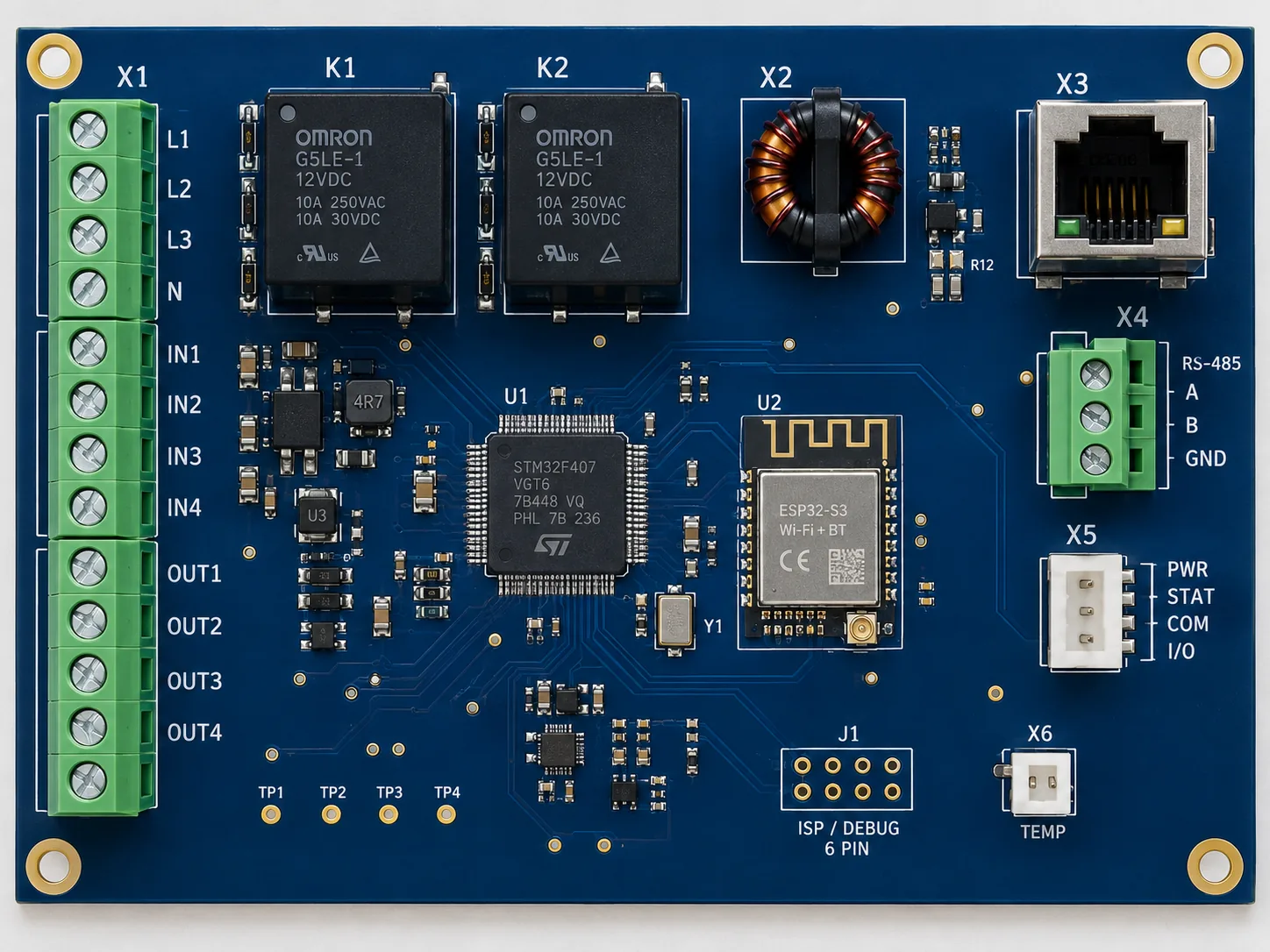
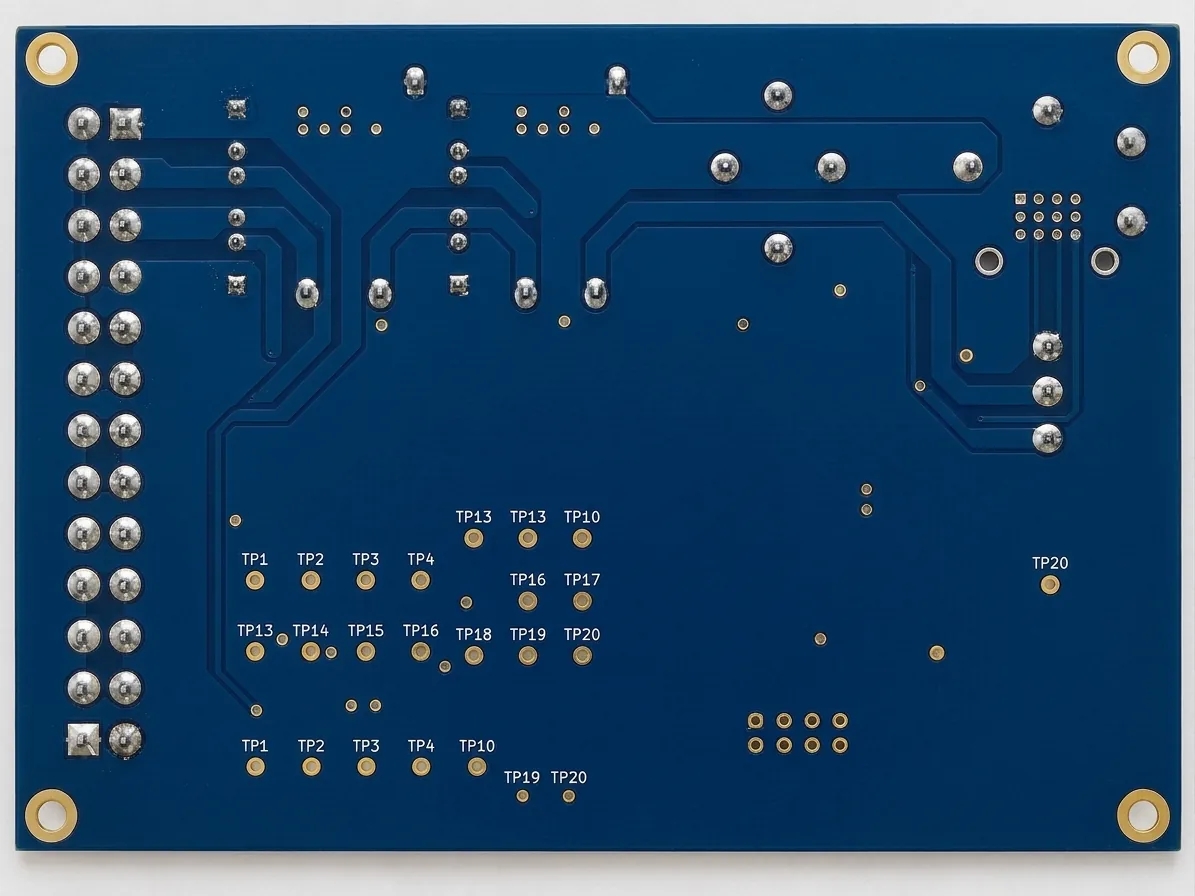

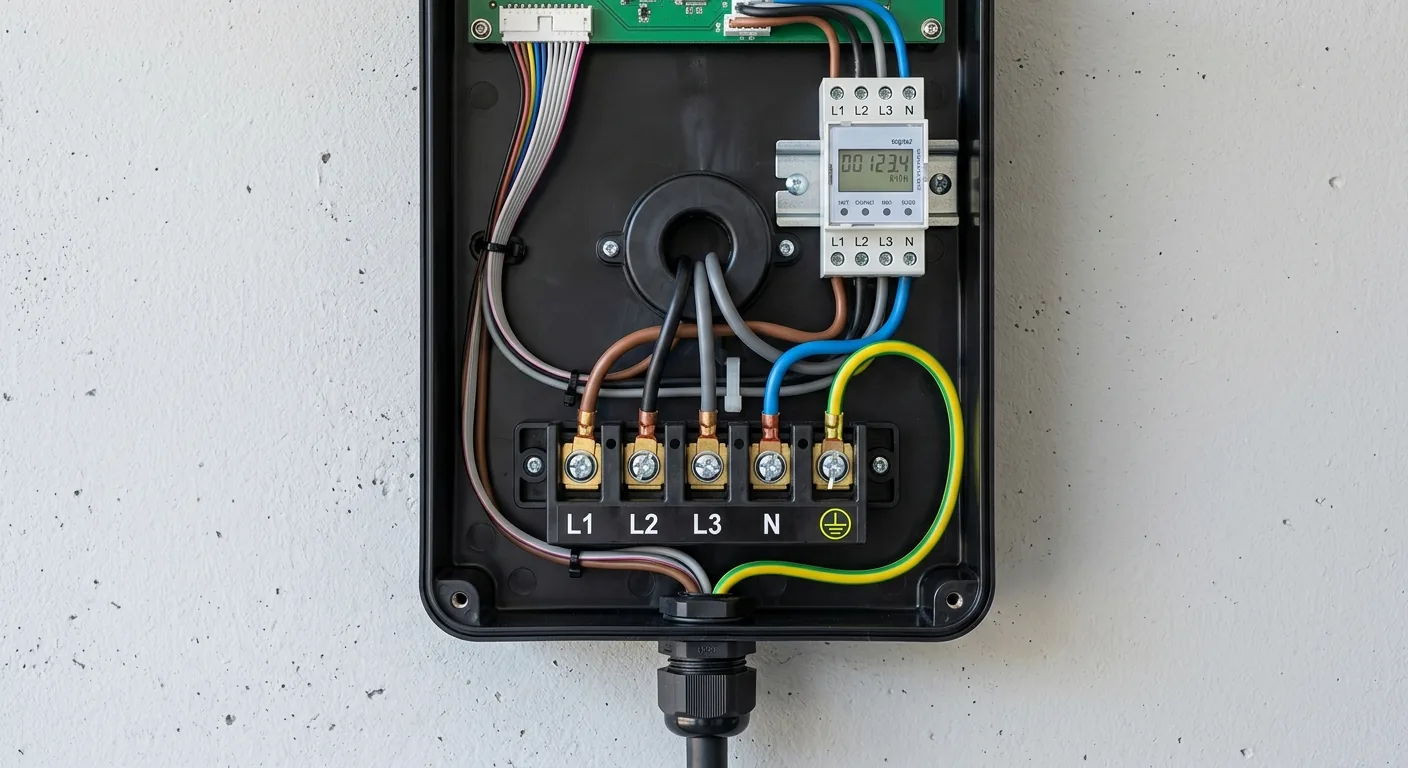
Component side, solder side, front panel, wiring compartment — 41 contact points placed across them, each with its markers and its crop.